In order to capture tasks via your Apple Watch, use Amplenote's Siri integration, "Capture to Amplenote."
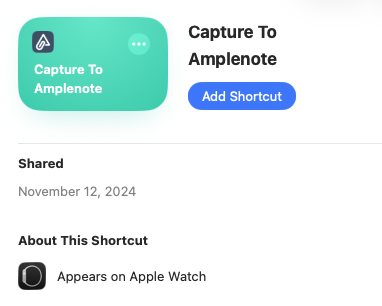
Upon visiting the link (on Apple desktop, phone or tablet), you'll get an "Add Shortcut" option that installs task capture to your watch:
Once you've clicked that button on some device, next time you open the Shortcuts app on your watch, you'll see the option to capture to Amplenote:
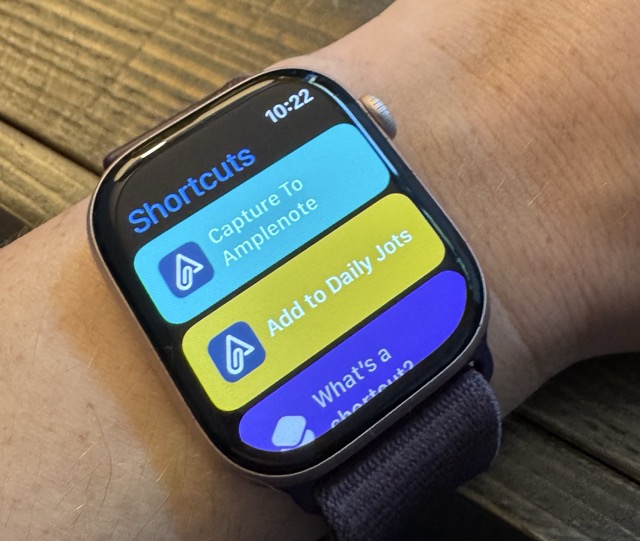
To capture via voice, just tell Siri to "Capture to Amplenote" whatever task you want to remember. The tasks you add will be found in your daily jots.